 ideal LED App Docs
Smart string lights
Install your ideal LED smart string lights, control them with the app and wireless remote, set the number of lamp beads, and use them safely.
The ideal LED App  smart string lights are decorative fairy lights you control with the free app over Bluetooth, or with the included wireless remote.
Install the lights
Unpack and check the accessories
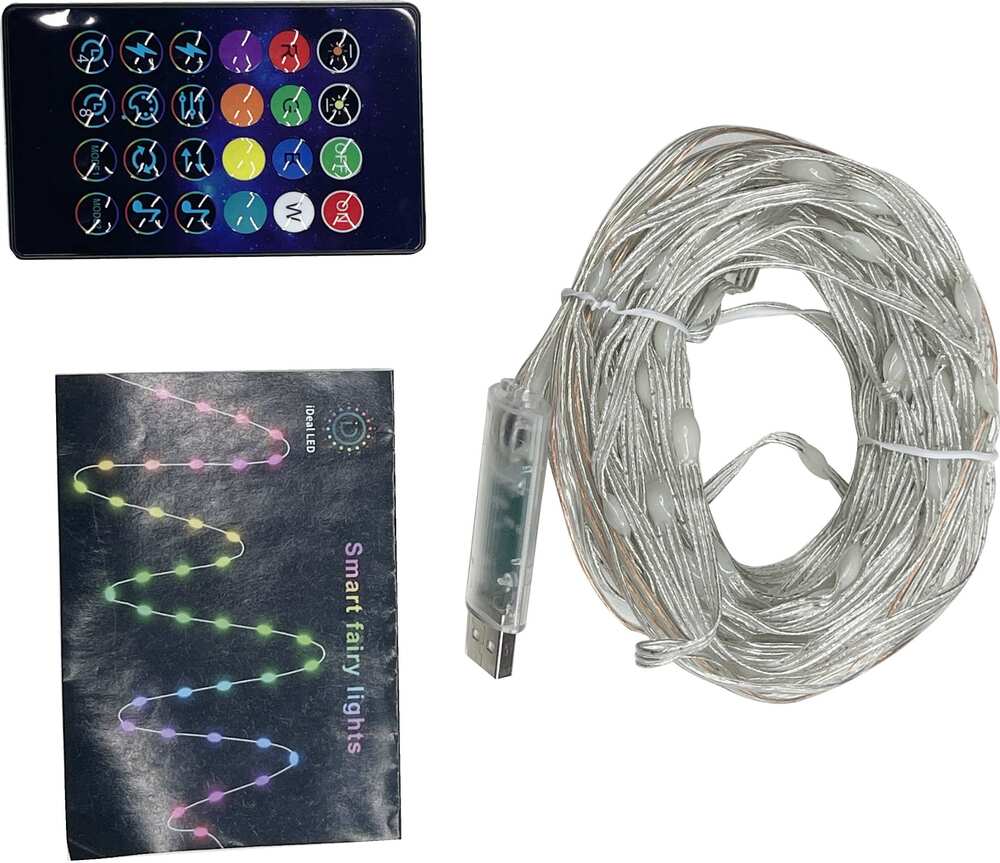
Open the box and verify that the accessories are complete: a set of LED lights, a wireless remote control, and an instruction manual.
Lay out the string
Pull and fix the lamp string in sequence, then untie the rope in turn, and arrange the lamp string neatly to avoid tangles.
Power on
Connect the power supply.
Install the app
Download ideal LED
On Apple phones, open the App Store and search for iDeal LED, then install it. Android devices can download it from the Google Play store. You can also scan the QR code on the manual to go straight to the download page, then select and install the matching ideal LED App.
- iPhone — App Store
- Android — Google Play
Allow installation
The first time you install the app, a prompt such as "Do you allow 'Device' to install applications?" may appear. Tap Allow.
Open the operating instructions
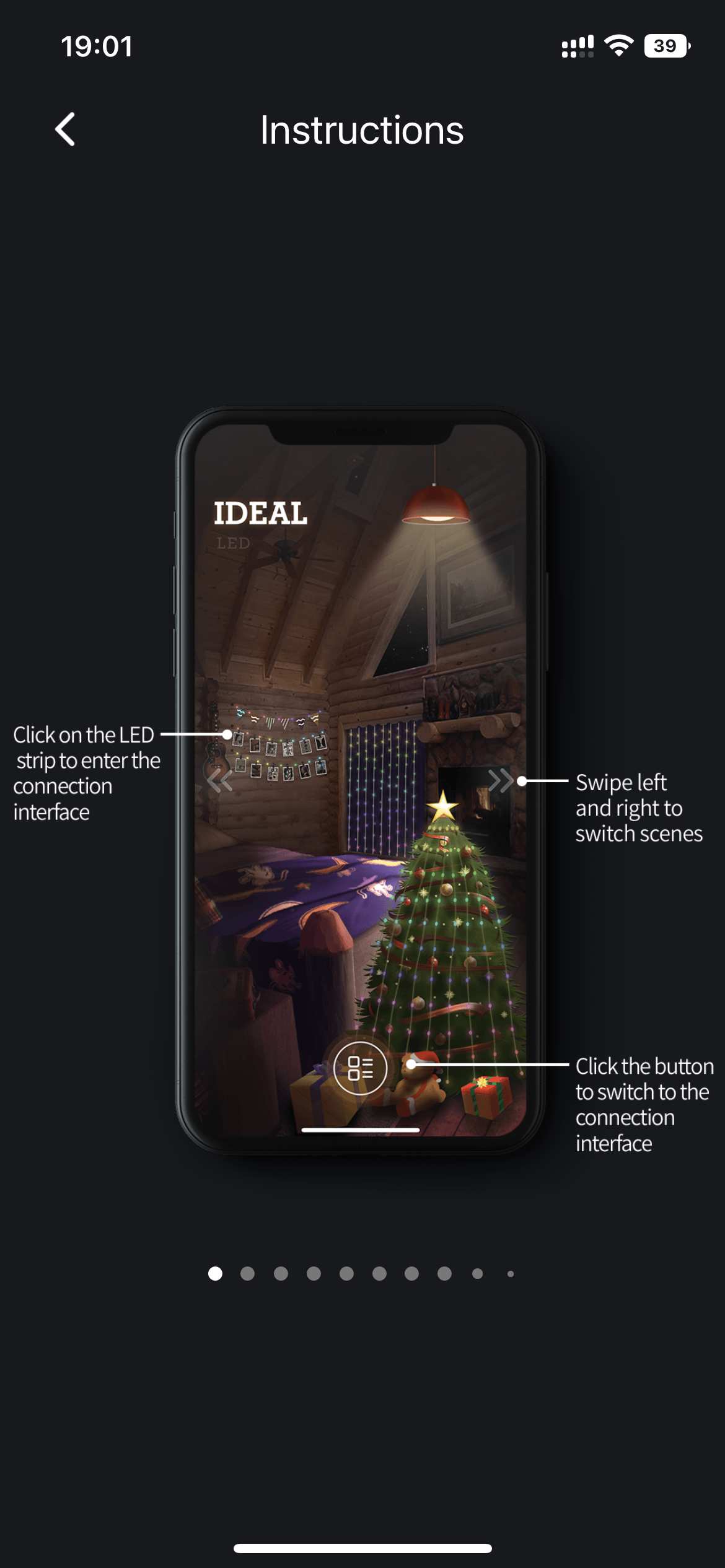
Once the app is installed, you can review its operating instructions from the in-app settings.
New to pairing over Bluetooth? See Connect & pair your lights for step-by-step help.
Control with the app
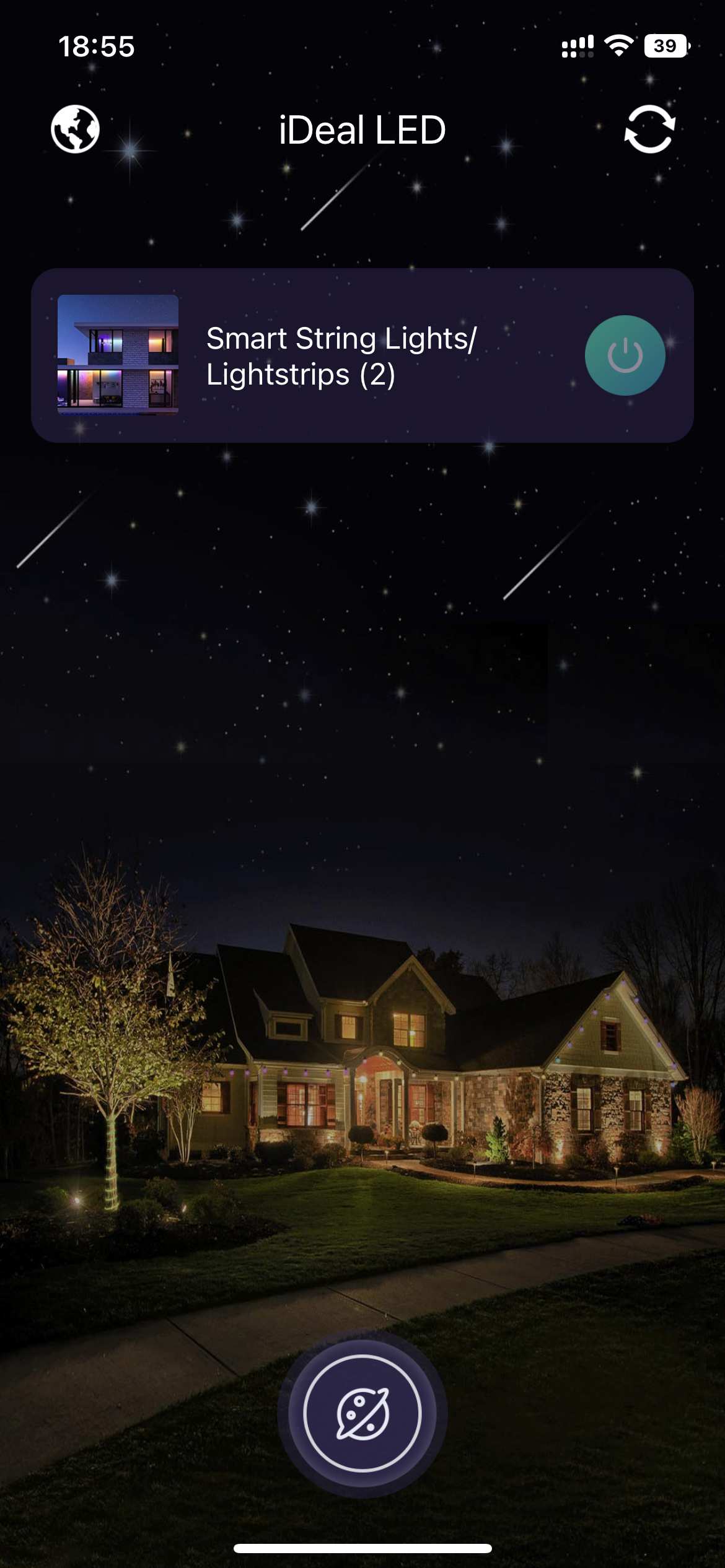
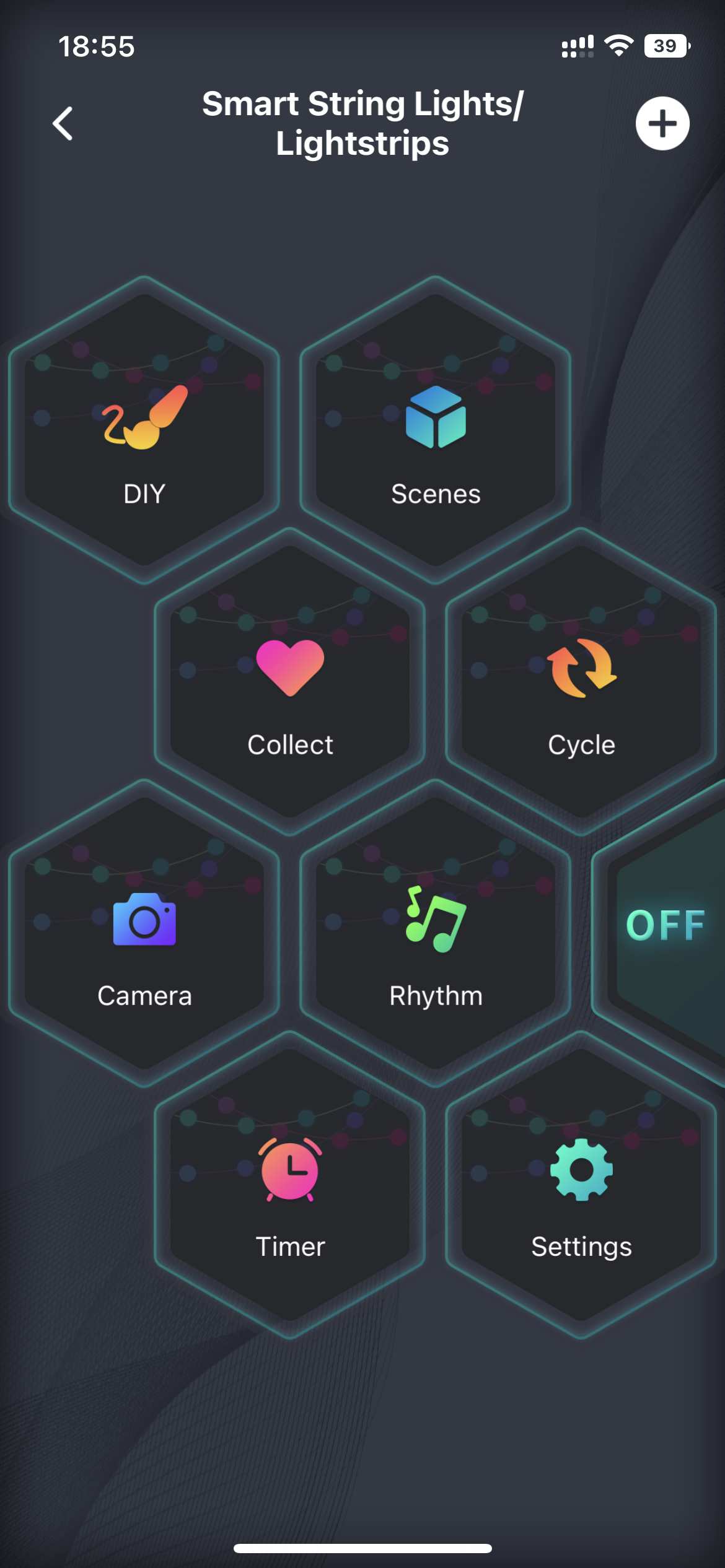
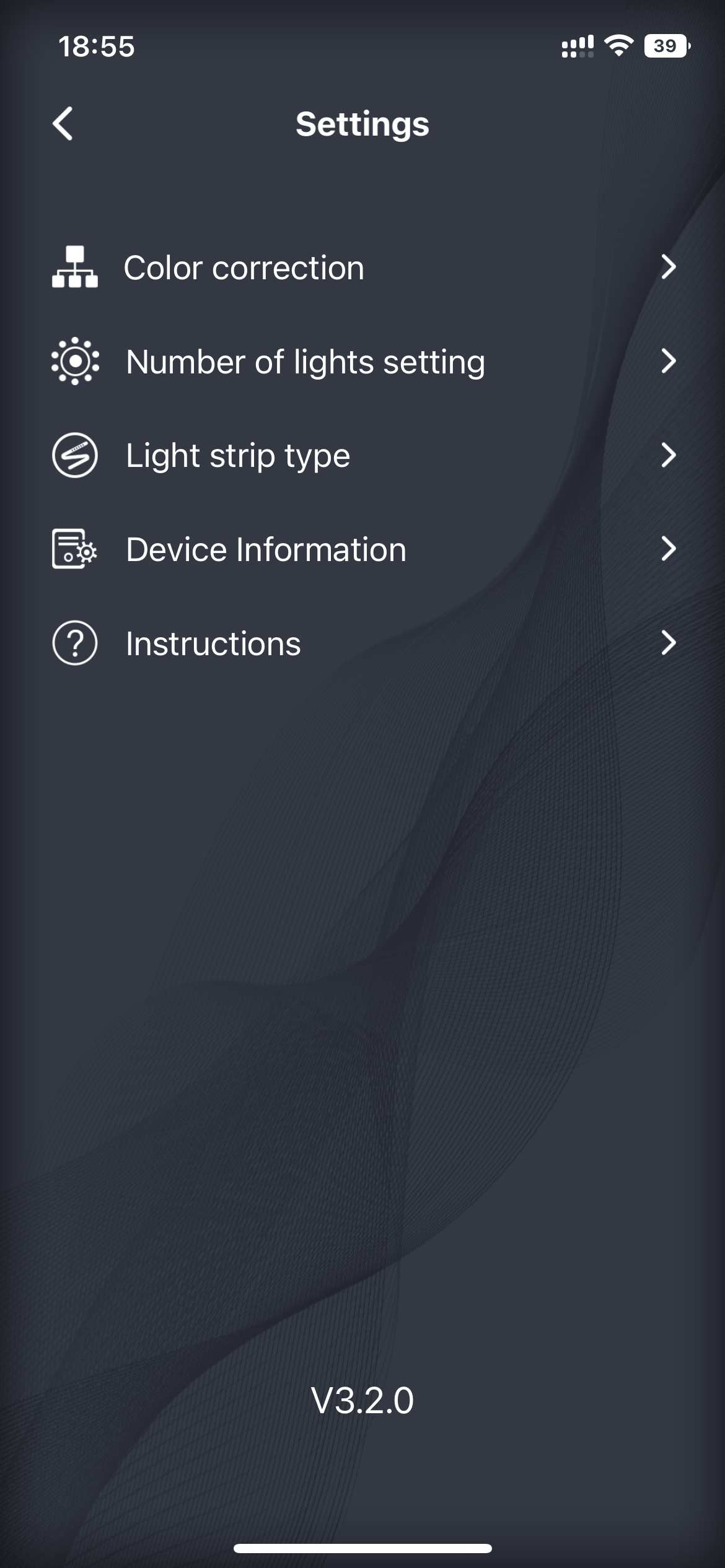
Open the app to reach the main interface of the smart string lights. From here you can change colors and effects, open the settings, and view the operating instructions.
Set the number of lamp beads
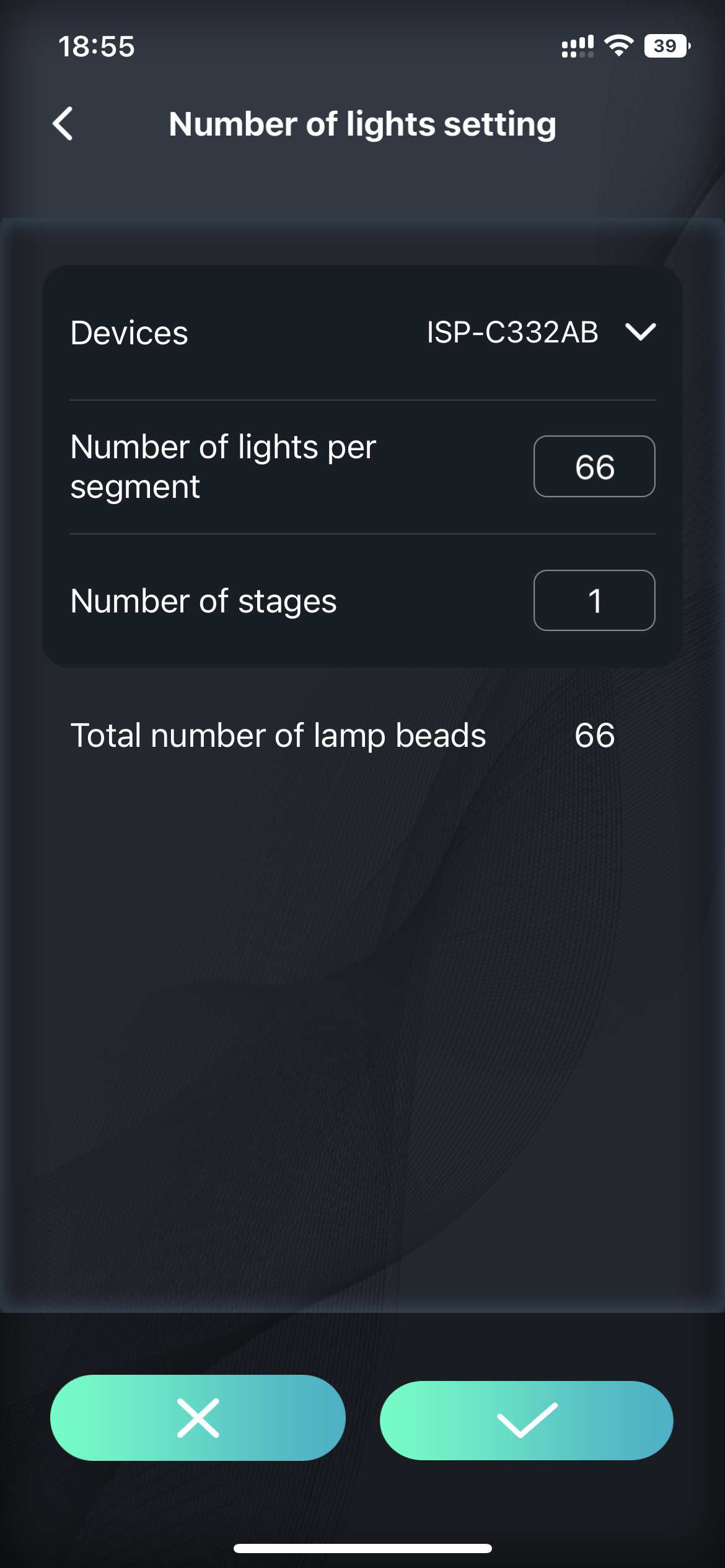
If you bought a different number of lamp beads, adjust the count so the effects line up correctly. On the settings page you can set the total number of lamps, and for lights wired in parallel you can also set the number of lamps in each segment.
The wireless remote
Use the included remote for quick control without opening the app.
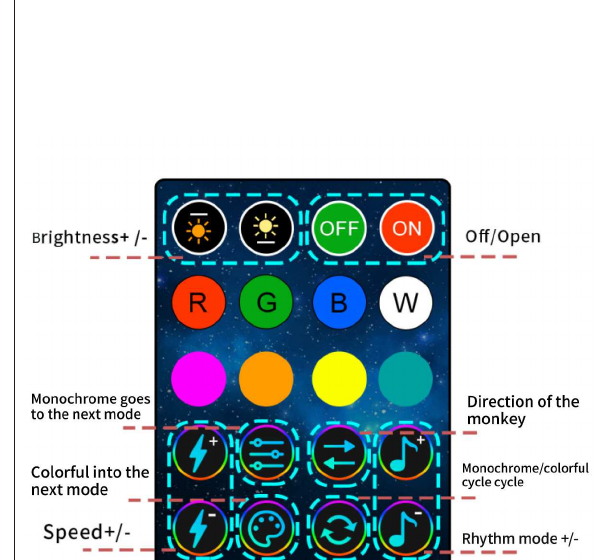
| Button | Function |
|---|---|
| Brightness + / − | Increase or decrease brightness |
| On / Off | Turn the lights on or off |
| R · G · B · W | Jump straight to red, green, blue or white |
| Monochrome | Go to the next single-color mode |
| Colorful | Go to the next multi-color mode |
| Monochrome / colorful cycle | Cycle through the color modes |
| Speed + / − | Adjust the effect speed |
| Rhythm mode + / − | Adjust the music-rhythm mode |
| Direction of the menu | Change the running direction |
| Fixed mode | Hold the current effect |
| Time | Set the timer |
Safety and care
- Do not place this product in water.
- Do not place the product near a fire source.
- If you will not use the product for a long time, cut off the power supply and store it in a cool, dry place.
- Keep children aged 0–6 away from the accessories to prevent them from being swallowed during play.
- Do not switch the lights on and off frequently, as this affects the product's service life.
- Do not disassemble the product without permission. If a knot forms during use, do not pull it forcefully.
- If the product does not work normally, cut off the power supply and contact the after-sales team.
We test every set of products before shipping, but damage can occur in transit. Please test the product after you receive it and contact us promptly if you run into any problems — we will find the best solution for you.
Recycling
The crossed-out wheeled bin is the WEEE symbol, which indicates that this product is not household waste. You help protect the environment when you recycle hazardous waste appropriately. To get detailed information about recycling this product, please contact your retailer or a local authority.
Product information
- Model / ID: 2A5NB-HCL-001
- Compliance: CE · RoHS · FCC
- Made in China